Qwen Edit 2509: Multi-Angle 3D Views From Any Image
The qwen-edit-2509-multiple-angles model transforms a single reference image into photorealistic multi-angle views with precise camera control. Rotate, elevate, and zoom -- all powered by AI. Perfect for product photography, e-commerce, and 3D visualization.
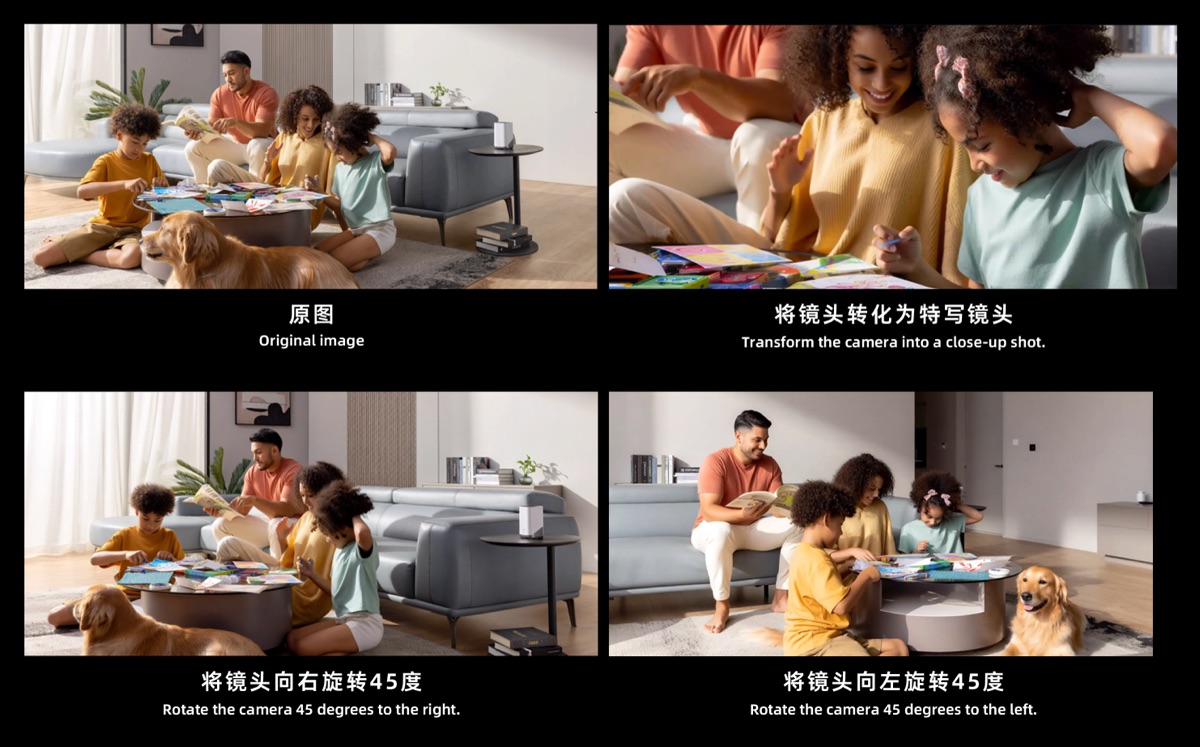
Try the Live Demo
Upload a reference image, set your camera angle, and generate a new view instantly.
Need unlimited generations and faster processing?
What Is QwenEdit?
QwenEdit is built on the qwen-edit-2509-multiple-angles model, a specialized AI that generates novel camera viewpoints from one or more reference images. Instead of manually photographing a subject from every angle or building complex 3D models, you simply upload an image and let AI synthesize photorealistic views from any direction.
You have precise control over three camera parameters: horizontal rotation (from -90 to 90 degrees), vertical elevation (from -30 to 60 degrees), and zoom level (from close-up to wide shot). This means you can generate exactly the angle you need -- whether it is a slightly rotated product shot for an e-commerce listing or a dramatic low-angle view of a character design. The qwen-edit-2509-multiple-angles model handles all of this automatically.
The qwen-edit-2509-multiple-angles tool is perfect for product photography, e-commerce catalogs, 3D asset visualization, game character turnarounds, and architectural previews. With support for up to 3 reference images, you can improve consistency and accuracy across generated viewpoints, making it a production-ready solution for creative professionals.
Looking for the qwen-edit-2509-multiple-angles.safetensors model weights? QwenEdit provides a ready-to-use interface powered by the same qwen multiple angles LoRA — no downloads or local setup required.
Key Features
Everything qwen-edit-2509-multiple-angles offers for professional multi-angle image generation.
96 Camera Positions
The qwen-edit-2509-multiple-angles model offers finely tuned angles covering full rotation for comprehensive multi-view coverage.
Multi-Reference Input
Upload 1 to 3 reference images for more accurate and consistent angle generation.
Precise Camera Control
Set rotation, elevation, and zoom independently for pixel-perfect camera placement.
Studio-Quality Output
High-resolution, consistent results that match your reference image style and detail.
No 3D Software Needed
Skip complex 3D modeling workflows. Generate new viewpoints directly from 2D images.
Instant Generation
Get results in seconds, not hours. No rendering queues or complex setup required.
How It Works
Three simple steps to use qwen-edit-2509-multiple-angles.
Upload Image
Upload 1-3 reference images of your subject from any starting angle.
Set Camera Angle
Choose your target rotation (-90 to 90), elevation (-30 to 60), and zoom level.
Generate View
The qwen-edit-2509-multiple-angles AI generates a photorealistic new viewpoint of your subject in seconds.
Use Cases
See how qwen-edit-2509-multiple-angles transforms workflows across industries.
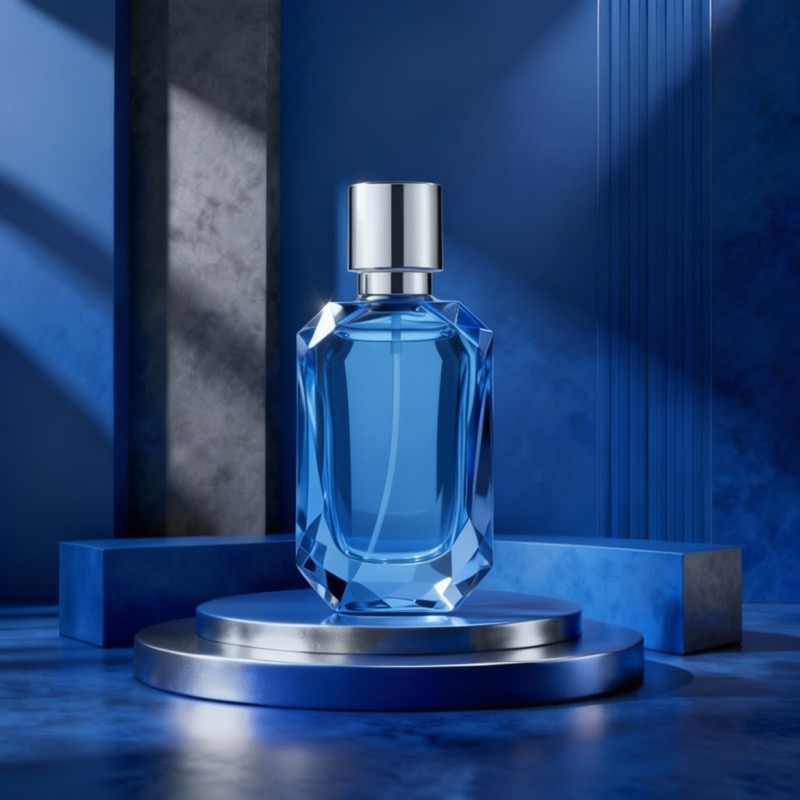
Product Photography
Generate 360-degree product views from a single photo. Perfect for e-commerce catalogs and online stores.
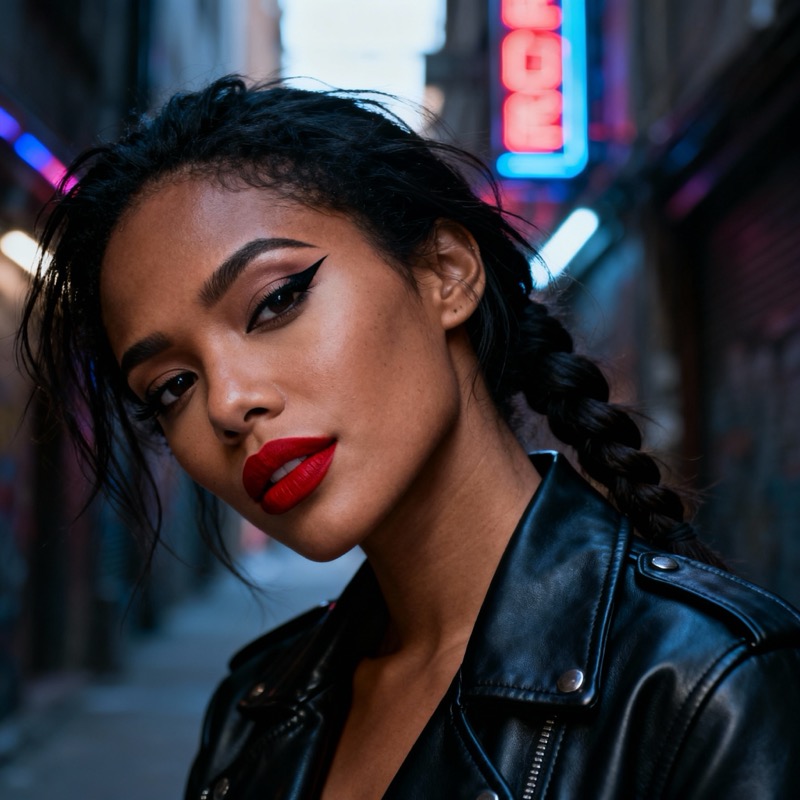
Character Design
Create multi-angle character sheets from concept art. Ideal for game development and animation.

Architectural Visualization
Generate different viewpoints of buildings and interiors from reference images or renders.
Frequently Asked Questions
What is Qwen Edit 2509 Multiple Angles?
The qwen-edit-2509-multiple-angles model generates novel camera viewpoints from reference images. It produces photorealistic views of subjects from different angles, elevations, and zoom levels, effectively creating 3D-like multi-angle views from 2D images.
How many camera angles can I generate?
With qwen-edit-2509-multiple-angles you get 96 predefined camera positions covering horizontal rotations (-90 to 90 degrees), vertical elevations (-30 to 60 degrees), and zoom levels. You can also input custom angle values for precise control.
What kind of images work best?
The qwen-edit-2509-multiple-angles model works best with well-lit objects, products, characters, or architecture with clear details. Simple backgrounds produce better results. Upload 1-3 reference photos for improved accuracy.
Is this tool free to use?
Yes, the demo above is free with limited generations. For unlimited access, faster processing, higher resolution outputs, and API integration, visit MixVid to explore our production-ready plans.
Can I use the generated images commercially?
Yes, all outputs from qwen-edit-2509-multiple-angles can be used for commercial purposes including e-commerce listings, marketing materials, and product catalogs. Review our terms of service on MixVid for full details.
Ready to Generate Professional Multi-Angle Views?
Go beyond the free qwen-edit-2509-multiple-angles demo. Unlock unlimited generations, higher resolution outputs, API access, and priority processing with MixVid.
Get Full Access on MixVid